~~~~~~~~~~~~~~~~~~~~~~~~~~~~~~~
Please note that this is a great alternative to Resource Hacker, and you may find it more reliable. Petz hexers, go here for tips on changing ID numbers, names and Adoption Centre bitmaps. Babyz hexers, also, who are editing .lnz-based toyz or clothes files, these tips work the same for changing your toy or clo file's name and ID.
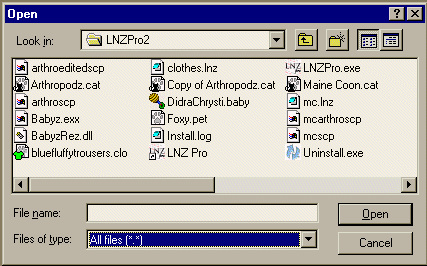
This program is easy to use, and is set to default to Petz or Babyz files and .LNZ files. You can drag-and drop any Babyz file into the open program, including .babyz files and the BabyzRez.dll, and it will let you see and open the various editable sections, or you can browse via the open dialogue. Make it show your BabyzRez.dll file by choosing "all files":
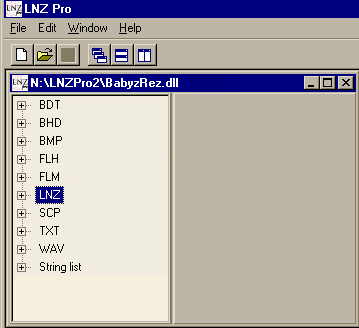
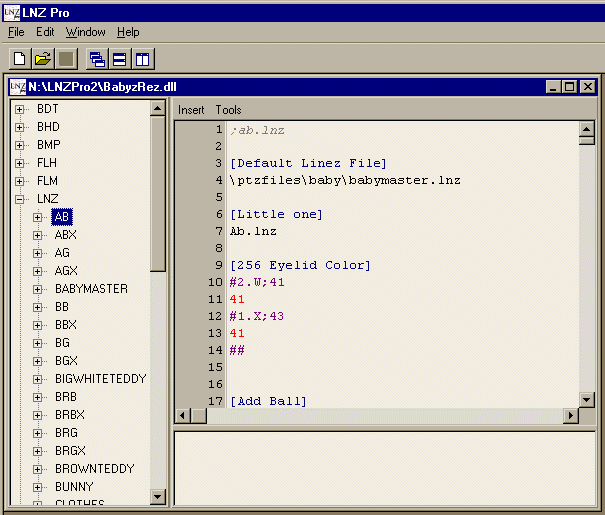
Click on the crosses beside the LNZ or TXT sections and then on their sub-sections until you get to the one you want to edit. Just click on its name and you can then edit that LNZ or TXT file and Save. Editing the .LNZ file is as easy as doing it in Notepad.
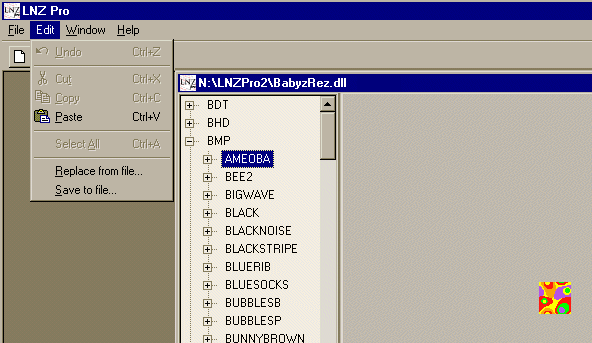
and just as with Resource Hacker, you can see the game bitmaps and you can save them out to the hard drive also if you want to fiddle with them and make your own bitmaps.
Q1. Eeek! I can edit LNZ-based toys this way -- but I can't edit clothes in LNZPro 2?
A1. Yes you can. LNZPro has had support for editing .clz files since version 2.1 :-)
.